ImgLab Guides
Professional guides for image sizes, upload limits, compression formats and browser-based editing workflows.

Are Online Image Converters Safe? What Happens to Your Photos After Upload
Online image converters are safer when you understand whether your photo is processed locally in the browser or uploaded to a remote server.
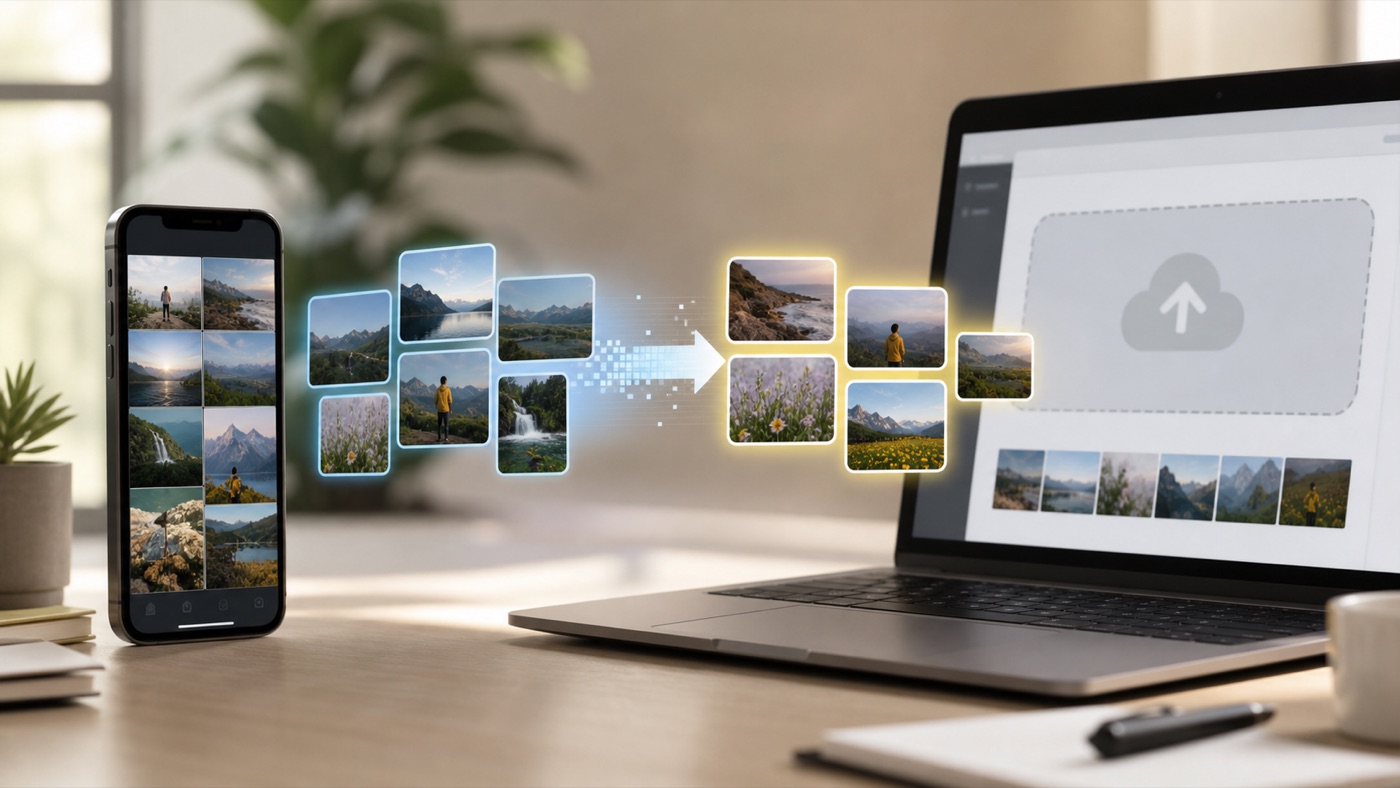
Why iPhone Photos Won't Open or Upload: What to Do About HEIC Files
iPhone HEIC photos often fail on older systems or upload forms because the receiving app does not support the format.
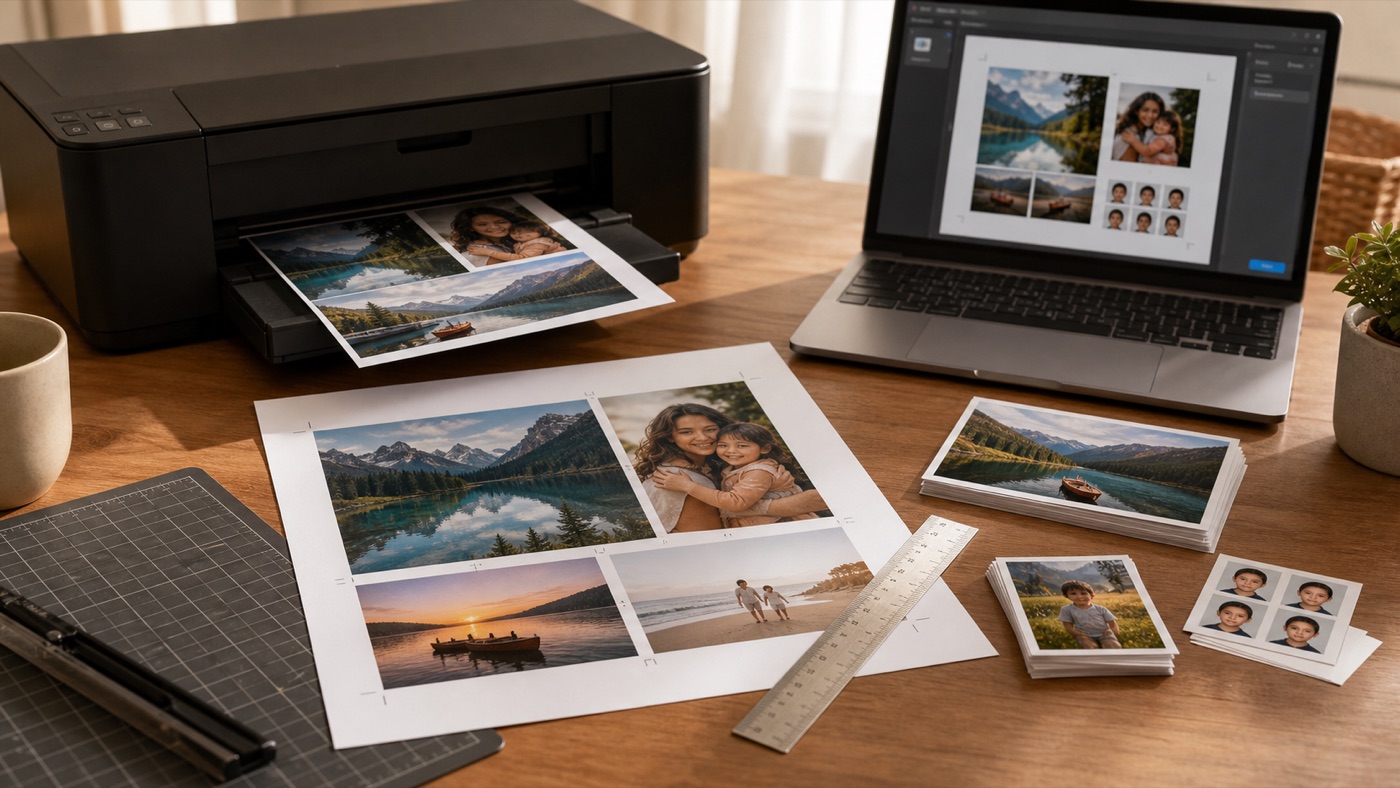
How to Print Photos at Exact Size at Home: A4, 4x6, 5x7, Wallet, and ID Photos
Exact-size photo printing works best when you define the physical photo size first, export a predictable PDF, and print at 100% scale.
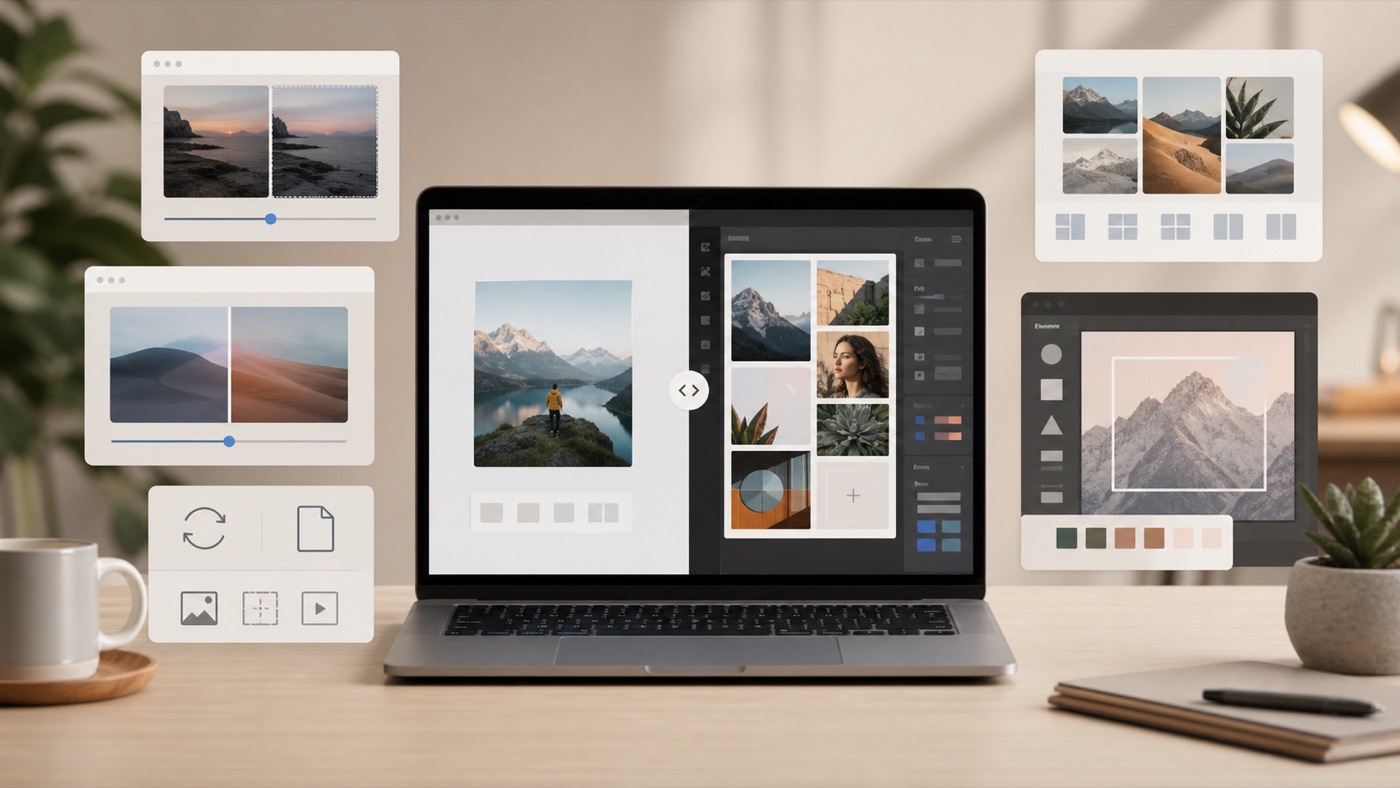
Free Online Image Tools vs Design Suites: When Should You Use ImgLab, Canva, Adobe Express, TinyPNG, or iLoveIMG?
Choose lightweight image tools for file preparation, full design suites for creative layout work, and focused utilities when speed matters.
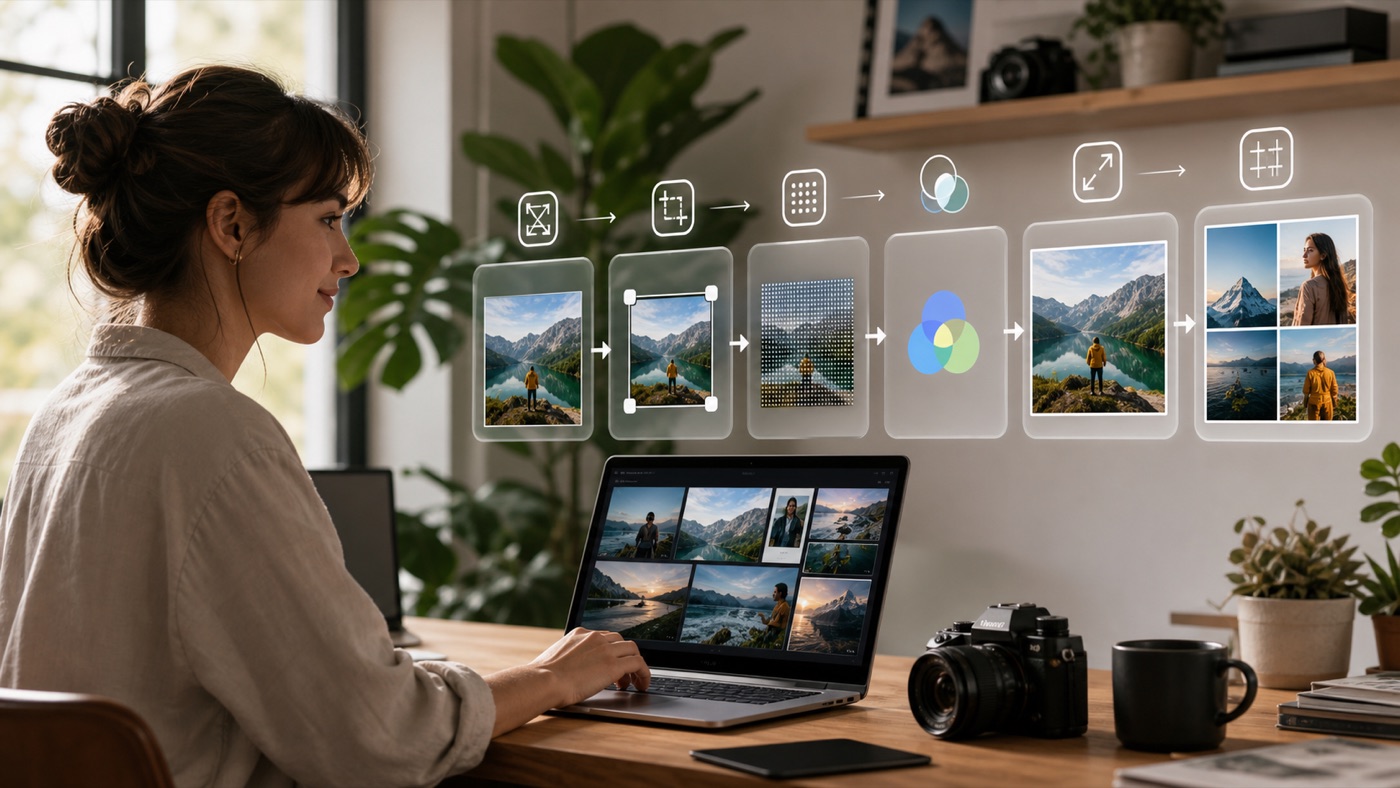
The Complete Image Workflow for Creators: Resize, Compress, Convert, Upscale, and Make Collages Online
A repeatable image workflow helps creators resize, compress, convert, upscale, and combine images without jumping between too many tools.
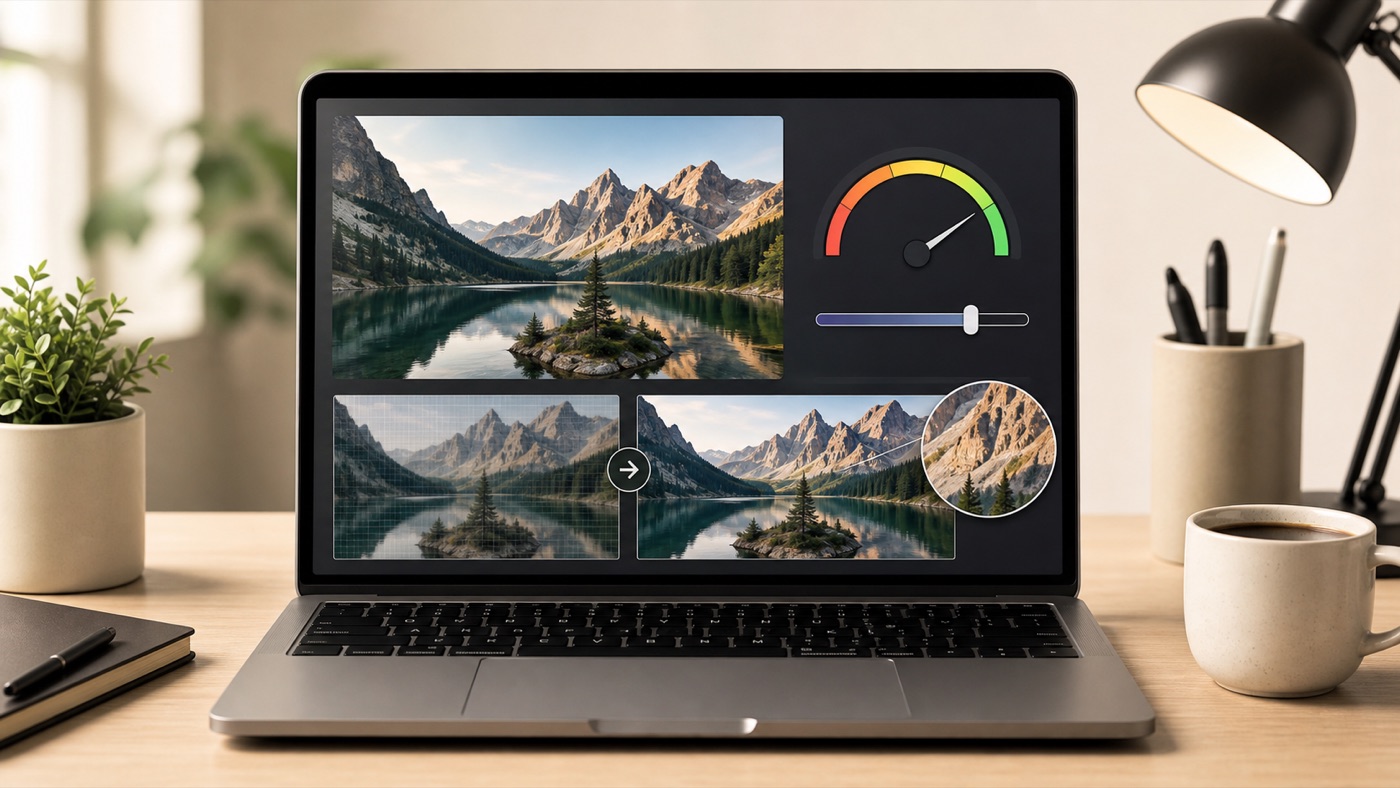
How to Compress an Image to an Exact Size Without Losing Readability
Exact-size compression works best when you reduce unnecessary pixels first, choose the right format, and compress only as far as the upload limit requires.
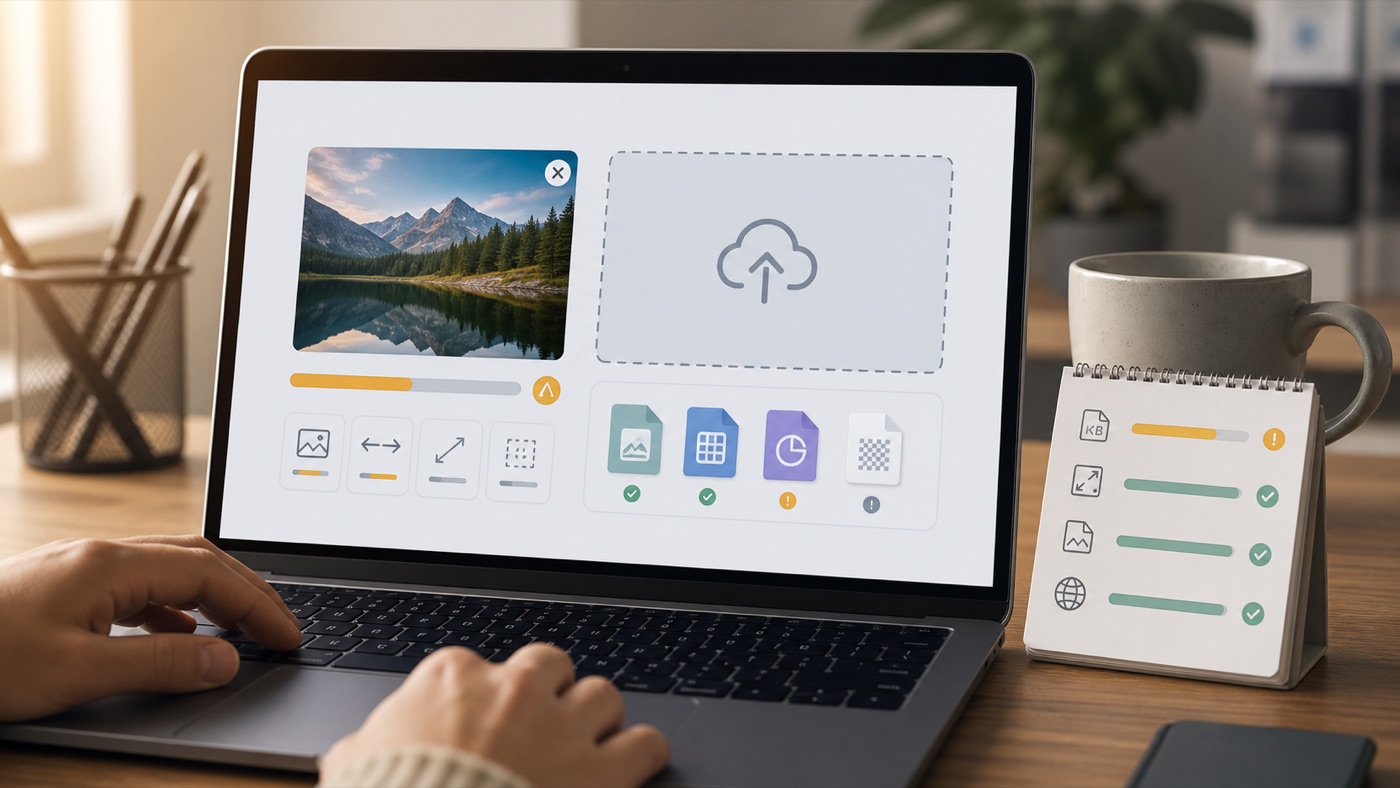
Why Your Image Upload Keeps Failing and How to Fix It
Most image upload failures come from file size, dimensions, format restrictions, browser limits, or platform-specific processing rules.
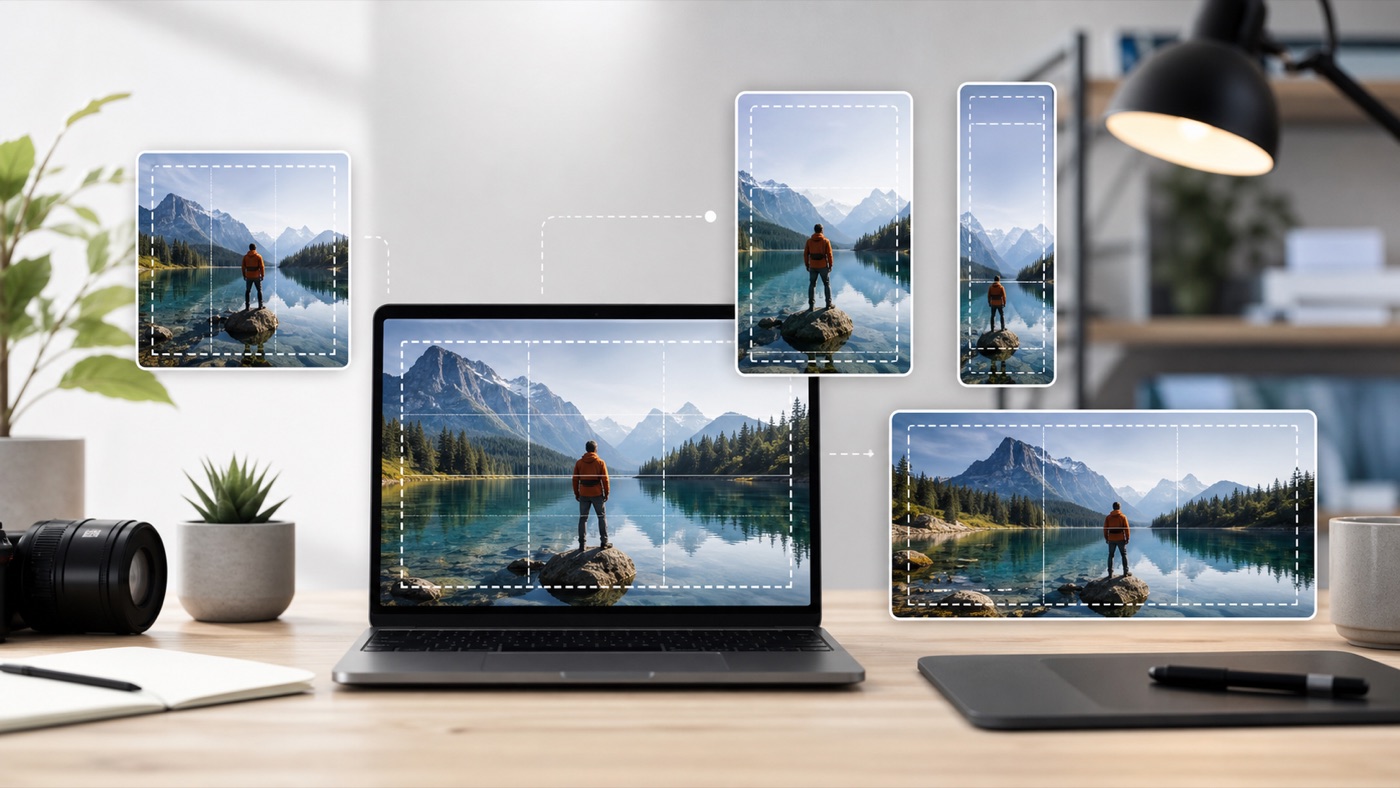
Best Image Size for Every Social Platform: Instagram, YouTube, TikTok, LinkedIn
Social media images look better when you prepare the right ratio, safe area, and file format before uploading instead of letting each platform crop and compress automatically.
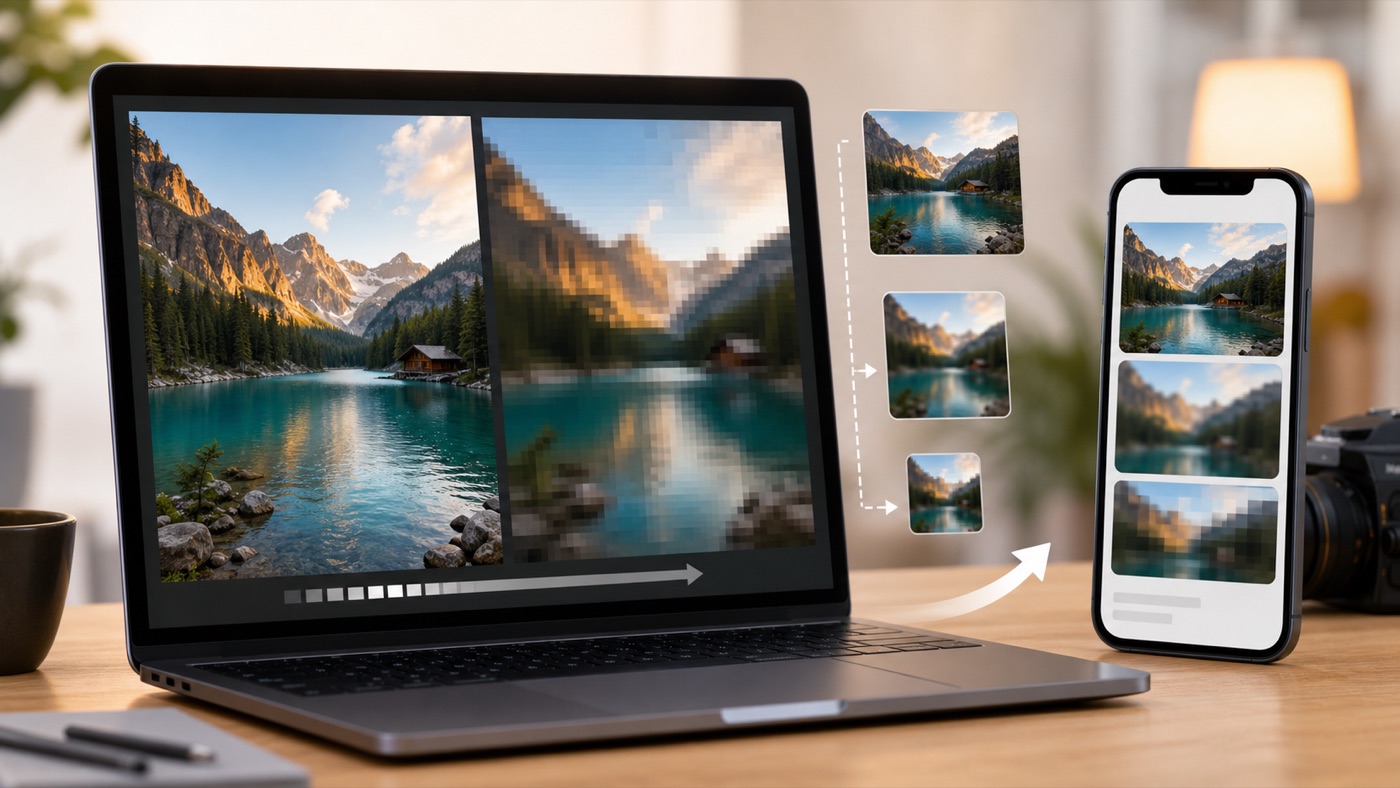
Why Your Social Media Images Look Blurry After Uploading
Social media images often look blurry because platforms resize, crop, recompress, or display files differently from the original.
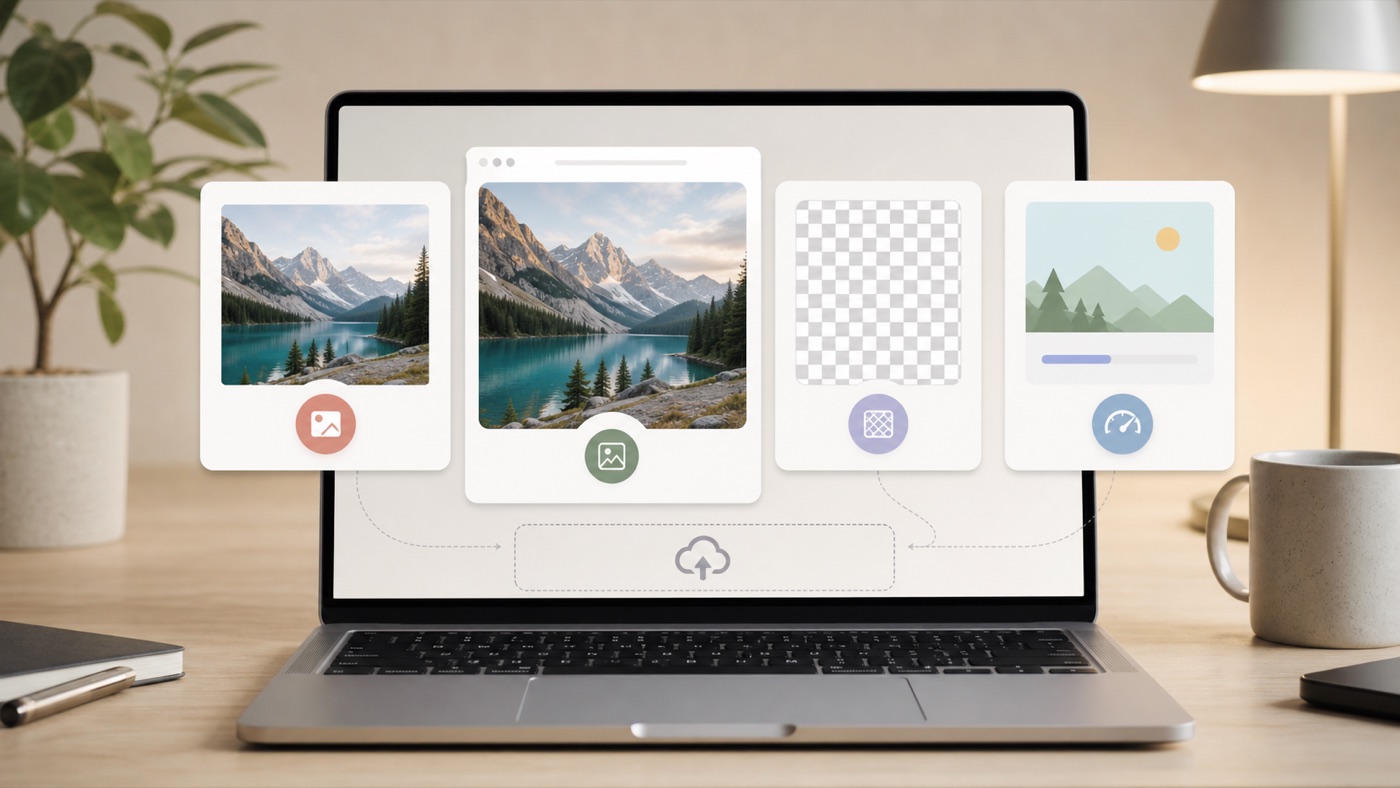
JPG, PNG, WEBP: Which Format Should You Use for Upload Forms and Websites?
JPG is reliable for photos, PNG is best for transparency and sharp graphics, and WEBP often provides smaller web files.
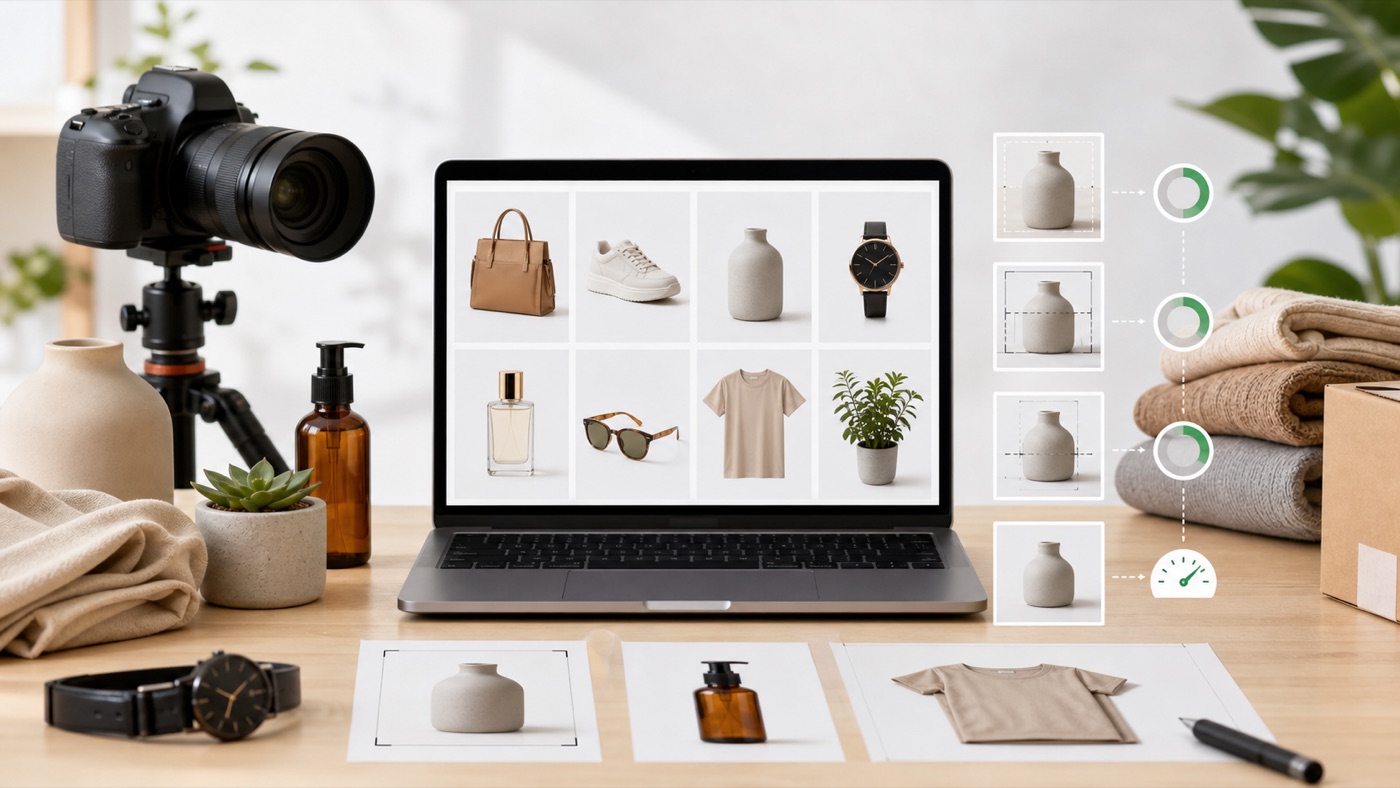
How to Prepare Product Images for Ecommerce Without Slowing Down Your Store
Product images need consistent crops, clear detail, and efficient file sizes because they affect both buyer trust and page performance.
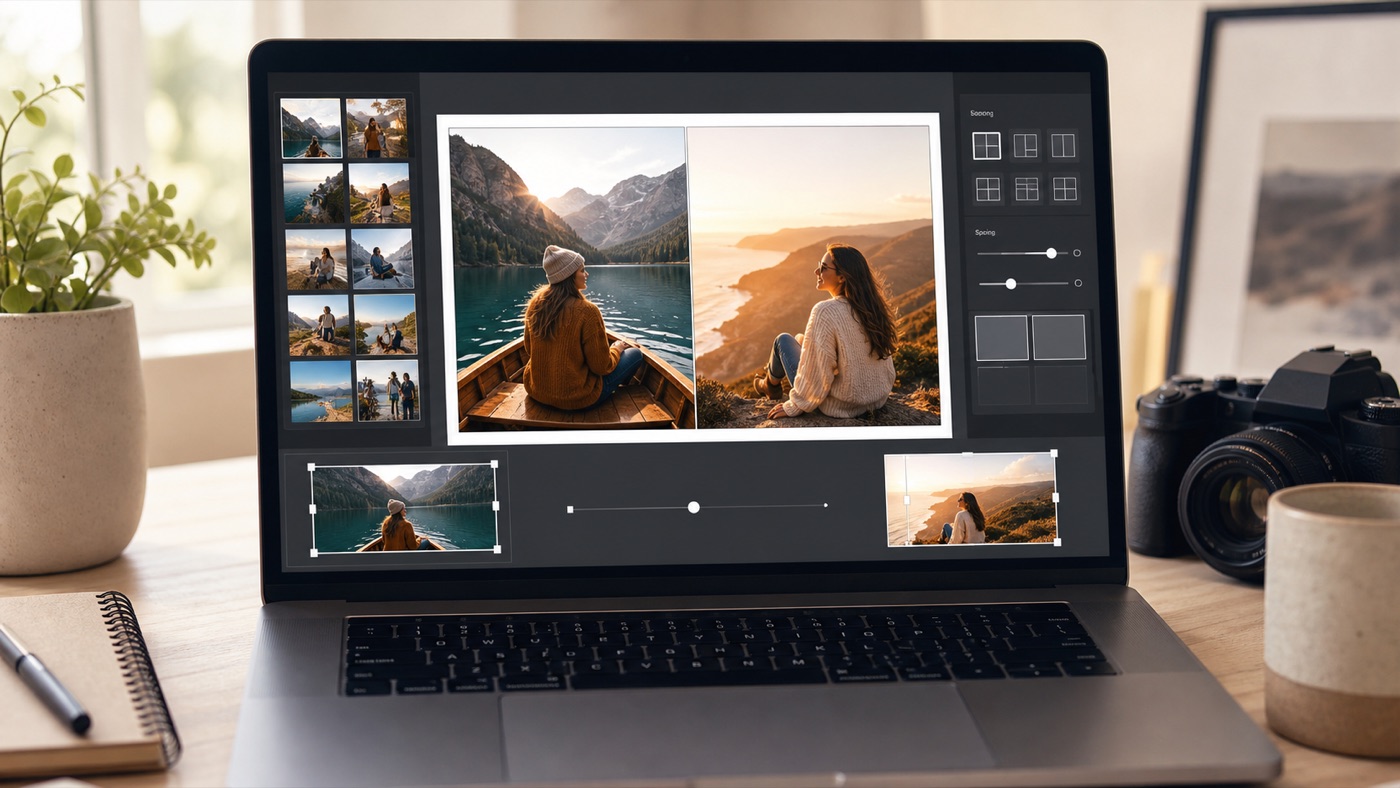
How to Combine Photos Side by Side Without Awkward Cropping
A useful collage is not just several photos placed together. Good results depend on the layout, aspect ratio, crop position, spacing, and the way viewers are expected to compare the images.