My image will not upload
Find the exact cause—file size, dimensions, format, or a blurry source—before trying again.
Fix an image uploadCompress, resize, convert, clean up and prepare image files in one calm browser workspace. Built for the practical moments between a photo and where it needs to go.
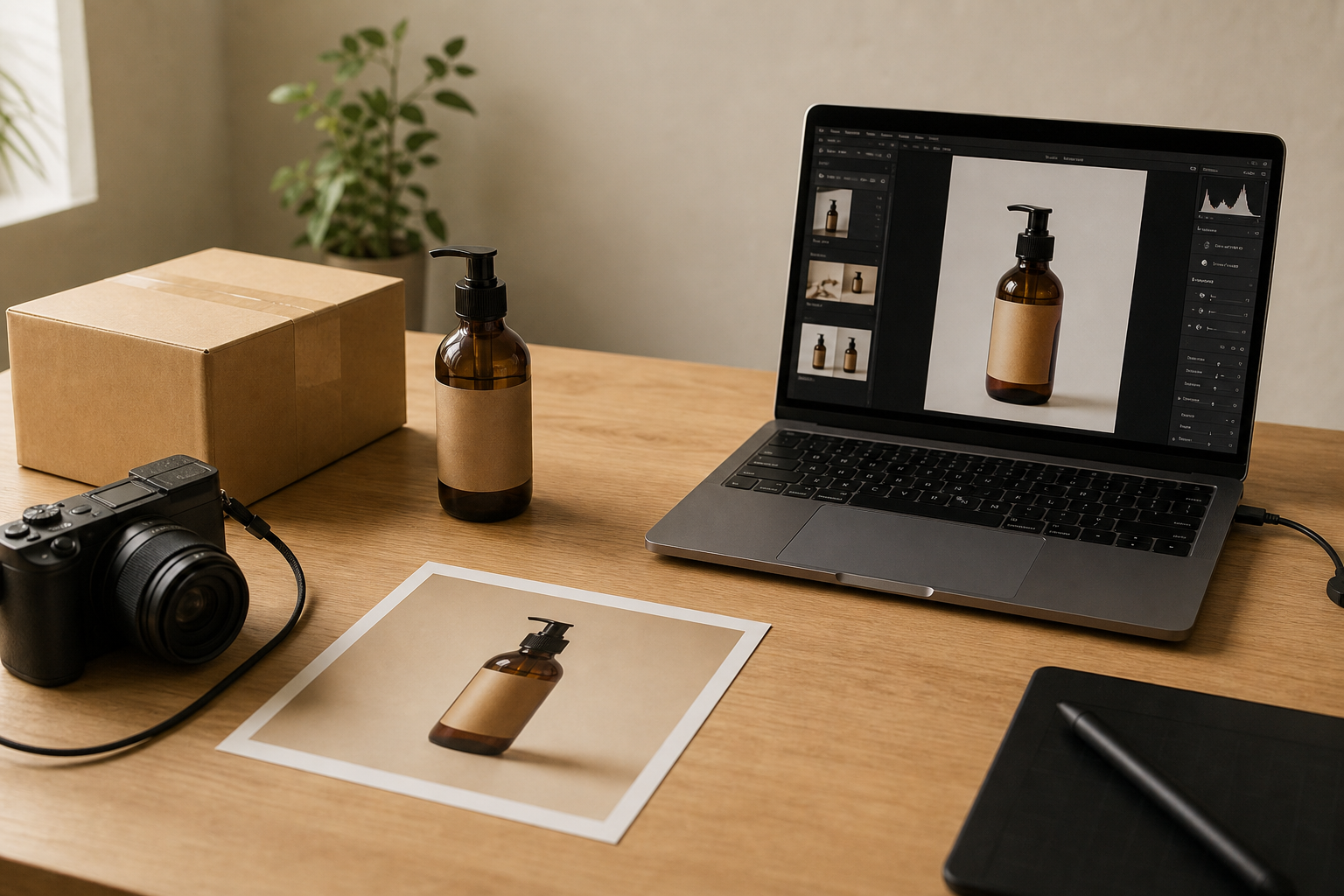
Each tool has one job, clear controls and a reviewable result.
Meet upload limits without guesswork.
Fit a feed, form or print size precisely.
Make a print-ready PDF for physical photo sizes.
Make the format your destination accepts.
Give a small image a larger usable size.
Create a clean transparent cutout.
Turn simple artwork into an editable SVG.
Place images together without a design app.
Choose the practical result you need, then use the focused tool and guide behind it.
Find the exact cause—file size, dimensions, format, or a blurry source—before trying again.
Fix an image uploadPrepare a JPG, PNG or WEBP for a strict 100KB, 200KB, or other upload limit.
Compress to 100KBLay out 4x4, 5x5, wallet, ID and custom photos on A4 or Letter paper at physical size.
Print photos at exact sizeMatch a social crop, product listing or other destination before the platform crops it for you.
Resize for InstagramChoose the physical photo size, arrange copies on A4 or US Letter, then download a PDF to print at Actual Size or 100%.
Core editing happens in the browser, so you can prepare files without creating an account or sending ordinary edits to a processing queue.
Practical pages for the format, size and destination that you need.